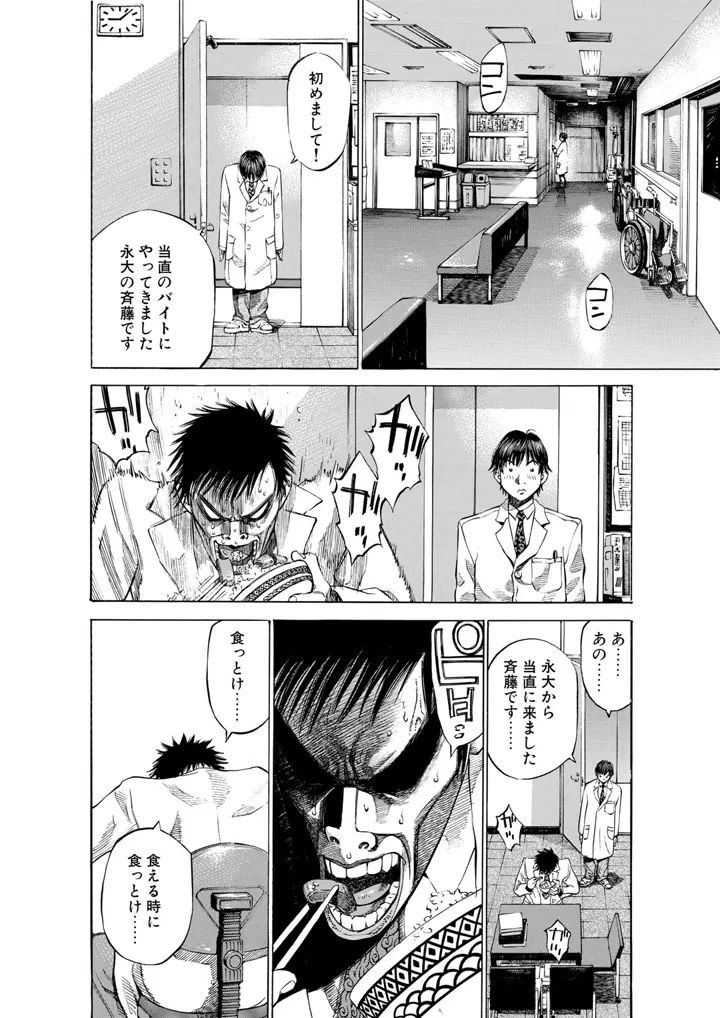
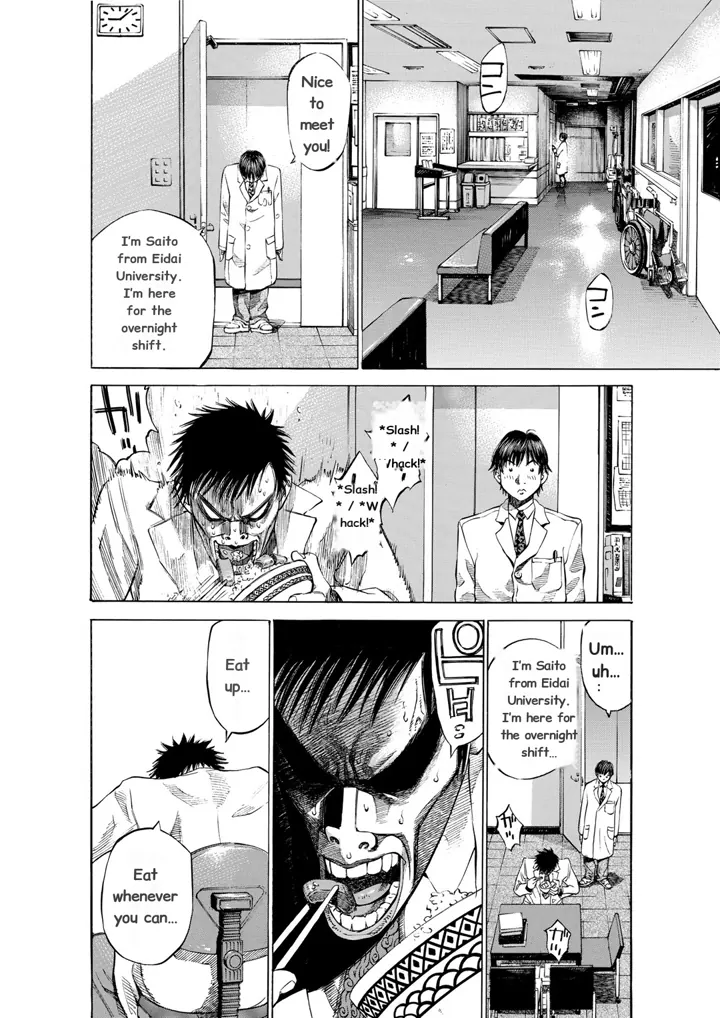
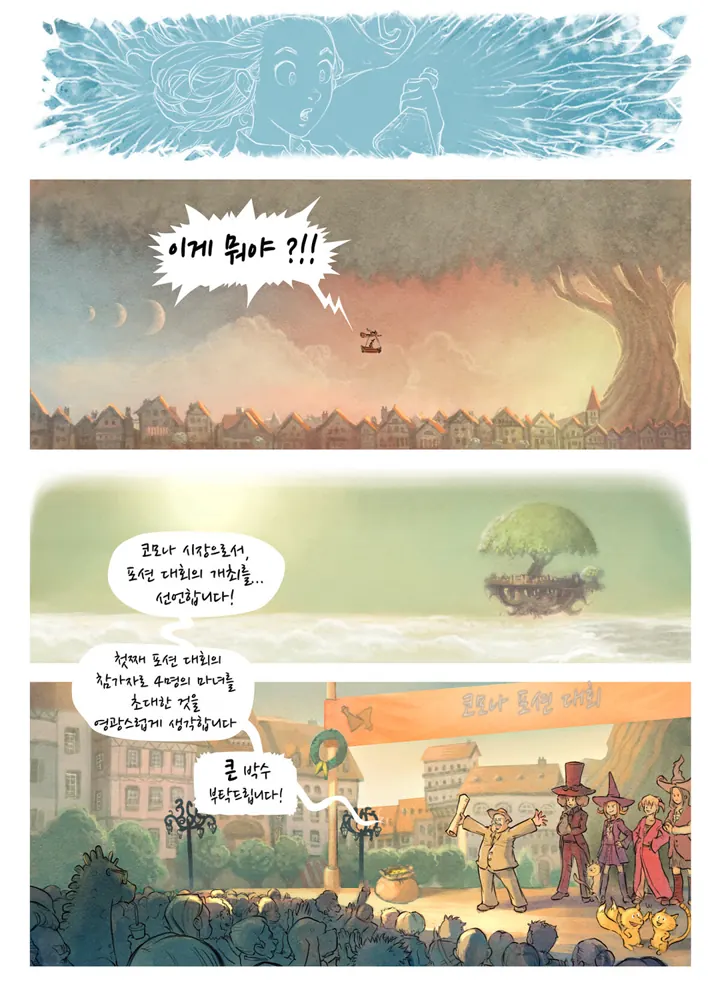
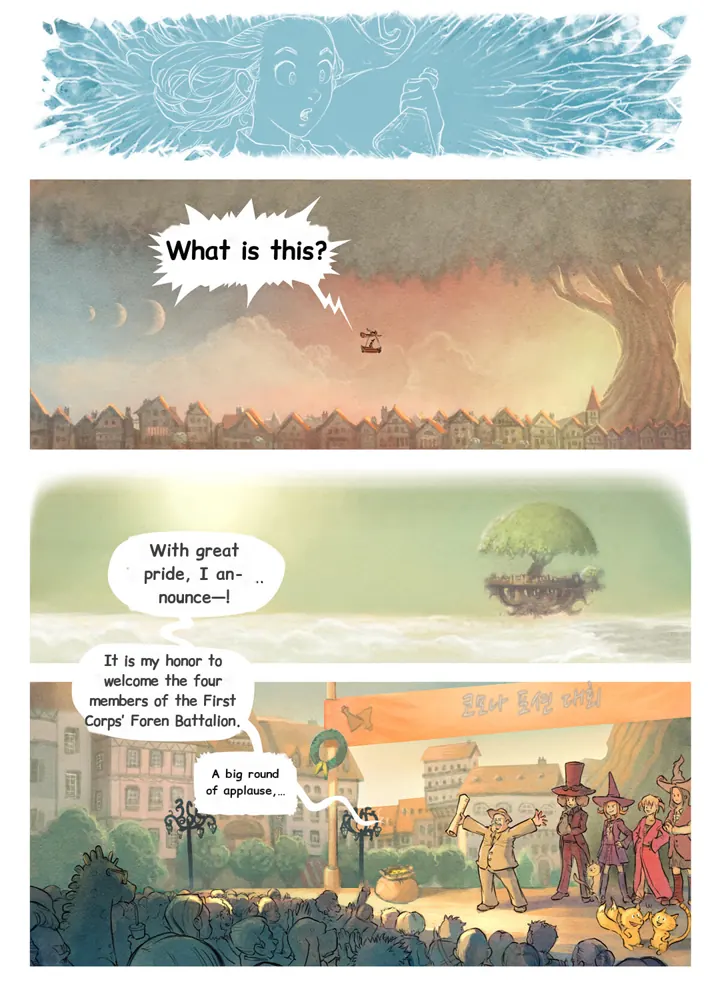

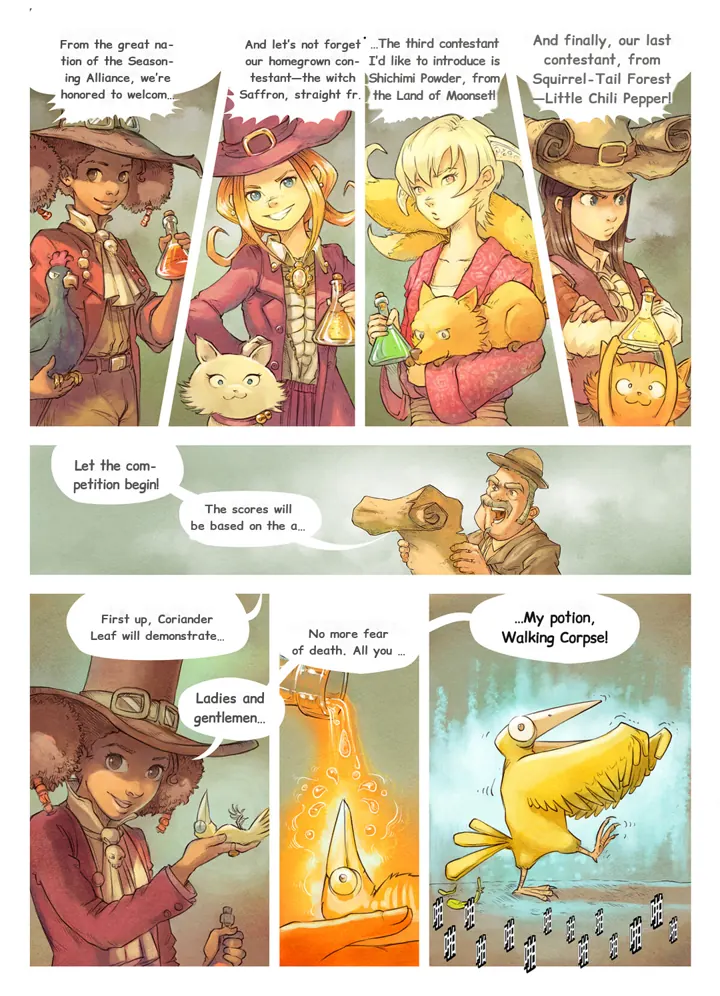
Japanese manga
Vertical text and right-to-left reading order
Screen translator for comics
Magavis translates manga, manhwa, manhua and webtoons right on your screen: it finds the speech bubbles and writes the translation inside them, on top of any reading app or website.
Android 9+ · 3 days free
How it works
No screenshots, no uploads — read the chapter where you always read it.
In your usual reader app, a browser or a webtoon feed.
Magavis finds the bubbles and reads them in order: right to left for manga, left to right for manhwa.
The translation appears inside each bubble in a comic font. Tap a bubble to see the original and correct it.
What it translates
Choose where the comic is from in the app, or let it detect the page language.
Vertical text and right-to-left reading order
Vertical scrolling feed; a cut-off bubble is translated once it is fully visible
Simplified and traditional characters
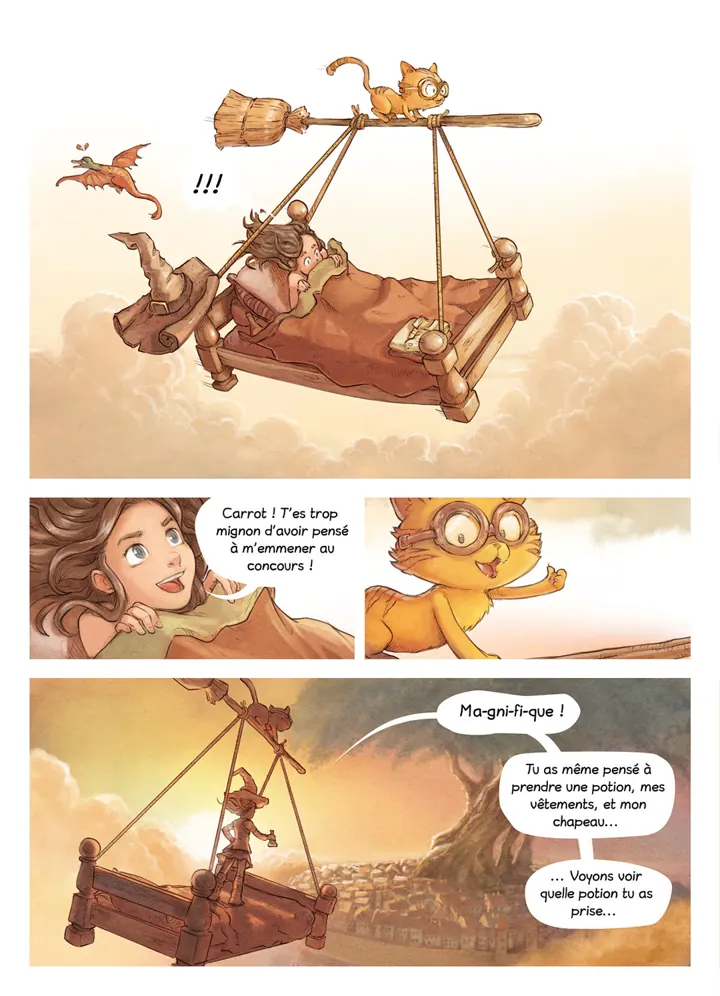
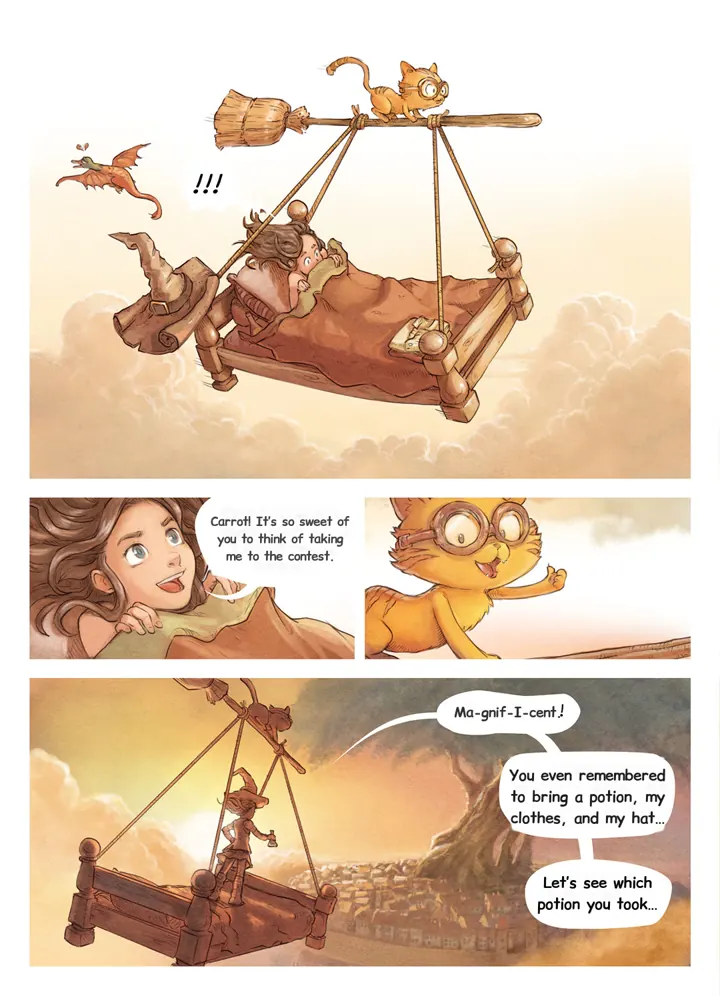
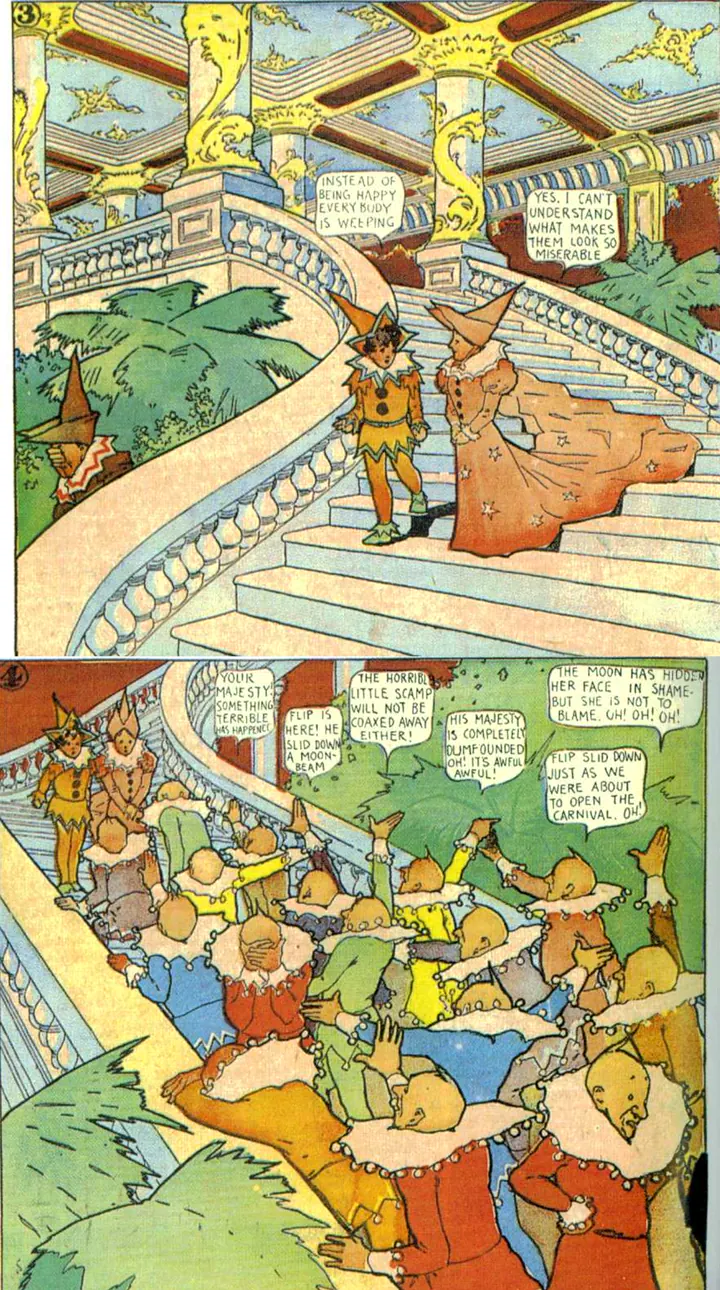
American comics, French BD, Italian fumetti, historietas, quadrinhos, komik and more
Magavis
The text is typeset back into the bubble, so you read the page as it was drawn.
Reader apps, browsers and webtoon feeds — nothing to download or upload.
Turn it on in the button's menu and the page is translated as you scroll.
Cloud translation sees the whole page, so names, pronouns and tone stay consistent.
Cloud translation · On-device translation
| Cloud or on‑device translation? | Cloud translation | On-device translation |
|---|---|---|
| Quality | Natural dialogue: the whole page is translated together | Machine translation of each bubble |
| Internet | Required | Works offline |
| What leaves the phone | Only the recognized text, never screenshots | Nothing |
| Availability | Not in every country — the app checks this on first launch | Everywhere |
Price
for 1 month
Buy a subscription here on the site or in the app — the key arrives by email.
Buy subscriptionFAQ
Install Magavis, open the raw chapter in your reader app or browser and tap the floating button. The translation appears inside the bubbles, so you read the page as usual.
Yes. Magavis reads Korean text in the vertical feed and translates it into English or any of 59 languages; a bubble cut off by the edge of the screen is translated once it scrolls fully into view.
No. It works on top of any app using Android's screen capture and "display over other apps" permissions. You need Android 9 or newer.
First 3 days free: we email you a trial key, cloud translation included (up to 100 pages a day). One key works on one phone.
No. On-device translation never sends anything. Cloud translation sends only the recognized lines of text, never images of your screen.
Not in every country. On first launch the app checks this and tells you; on-device translation works everywhere.
Not yet. Games, video subtitles and a custom screen area are in development; this version translates comics.
Read raw Japanese manga in English on your Android phone: open the chapter in any app, tap one button and the translation appears inside the speech bubbles.
We compared 5 ways to translate manga on Android: screen translators, Google Lens, Papago, browser extensions, upload sites. Which keeps the translation in the bubbles?
Translate Korean webtoons and manhwa into English on Android right in the vertical feed: turn on auto mode and the speech bubbles are translated as you scroll.
Translate manga, manhwa and manhua inside the Android reader app you already use — Mihon, Kotatsu, Tachiyomi forks, Perfect Viewer or a browser — without screenshots.
Download
Updates automatically. It can't be installed over the file from this site: remove one before installing the other.
Get it on Google Play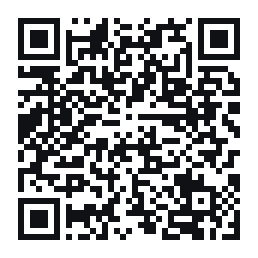
Point your phone's camera at the code: it opens Magavis on Google Play.
arm64 · 47 MB · For most phones
Download for Android For older 32-bit phones · armv7 · 32 MB